


Note: Unless otherwise specified, perform each operation within 30 seconds of the previous one.
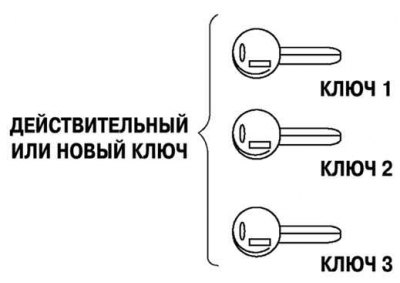
Fig. 7.79. If the client has only one or no valid keys
1. Make a new key(s) with the defendant.
2. Using key 1, set the ignition switch to the ON position.
- A) Monitor the operation of the security system indicator lamp in the instrument cluster.
- B) After the security system indicator lamp goes out, turn key 1 to the LOCK position for 2 seconds and remove it from the lock.
3. Repeat step 2 with key 2.
4. Repeat step 2 with key 3.
5. If there are 4-8 keys (current and/or new), repeat step 2.
1. Make new key(s) with the defendant if necessary.
2. Connect the special device (WDS or similar).
3. Using key 1, set the ignition switch to the ON position.
Valid key: The security system indicator lamp lights up, then goes out after approximately 3 seconds.
New key: Security indicator lamp comes on. After about 1 min, diagnostic code B1601 is displayed (diagnostic code 15).
- A. Complete the security access verification.
- B. Select "Delete Ignition Key Code".
Note: Do not select any other command from this menu.
- B. Turn key 1 to the LOCK position no earlier than 1 s.
- D. Turn key 1 to the ON position no earlier than 1 s. After approximately 1 min, diagnostic code B1213 is displayed (diagnostic code 21)
- D. Make sure that the security system indicator light is on, then turn key 1 to the LOCK position.
- E. Remove key 1 from the ignition switch.
4. Using key 2, turn the ignition switch to the ON position no earlier than 1 s later. The security system indicator lamp should light (within approximately 3 sec).
Make sure that the security system indicator lamp is on, then turn key 2 to the LOCK position and remove it from the ignition switch.
5. Repeat step 4 with key 3.
6. If there are 4-8 keys (current and/or new), repeat step 5.
7. After reprogramming, clear the diagnostic codes from the PCM using a special tool (WDS or similar).