


Contents: Total and daily mileage counter ⇓ Watch ⇓ Multifunctional display ⇓ Current fuel consumption mode ⇓ Average fuel consumption mode ⇓ Power reserve mode ⇓ Outdoor air temperature ⇓
Total and daily mileage counter
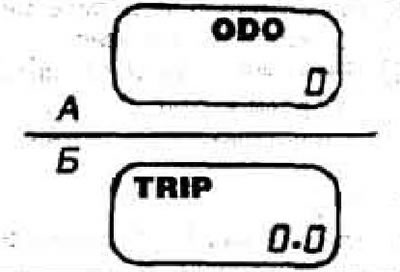
The trip meter display is located at the bottom of the speedometer and can show the total or daily mileage of the vehicle. The display is activated when the ignition is on. To switch between displaying the total or daily mileage counter, press the button to the left of the device. When displaying the total mileage (A), 0D0 appears on the display; when displaying the daily mileage (B), TRIP appears. To reset the daily mileage counter, press and hold the button for at least 3 seconds.
Watch
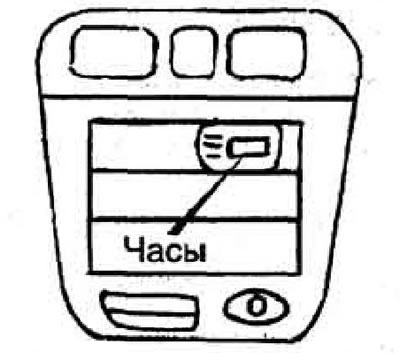
To activate the clock, turn the ignition key to the ACC or DN position.
To set the hour, press the H button; to set the minutes, press the M button. The RESET button resets the display to the nearest hour (minutes are reset to zero).
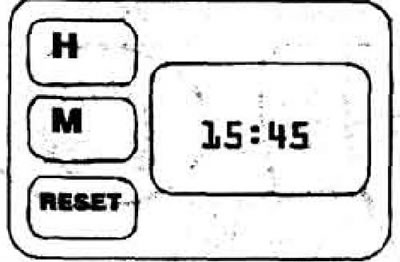
Note: If the vehicle is equipped with an audio system, the clock is built into the audio system itself. To set the time, follow the instructions for the audio system.
Multifunctional display
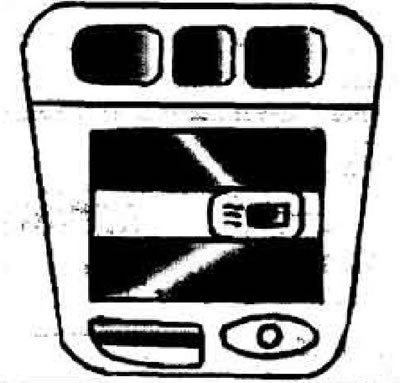
The display can show:
- current fuel consumption
- average fuel consumption
- range on remaining fuel
- outside air temperature
To set the display mode, press the SELECT button. The display is activated. when the ignition key is in the ACC and DN positions.
Current fuel consumption mode
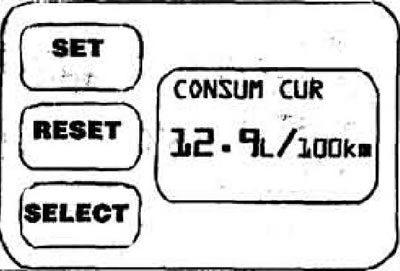
In this mode (CONSUME CUR) the display shows current fuel consumption in l/100 km. The on-board computer calculates current consumption at speeds above 5 km/h; at lower speeds, only the unit (no number) is displayed.
Average fuel consumption mode
The primary source is the website: MAZbook.ru
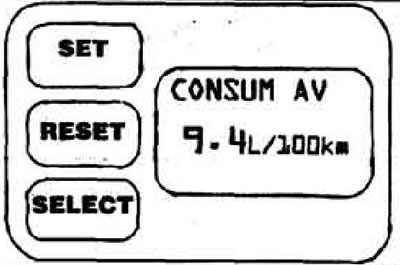
In this mode (CONSUM AV) the on-board computer calculates the average fuel consumption over the distance traveled after pressing the RESET button (reinstall) or from the moment the battery is connected. To start a new calculation, press the RESET button again. The computer will display a new result in about a minute (until then, only the unit l/100 km will be displayed on the screen).
Power reserve mode
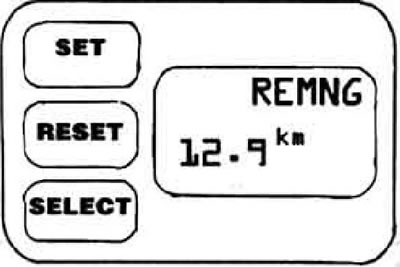
The onboard computer calculates the estimated range on remaining fuel (REMNG) based on average fuel consumption over the last 32 km. After refilling the tank, the computer will begin calculating a new range only after driving off. Refuelling must be at least 12 litres of fuel.
Outdoor air temperature
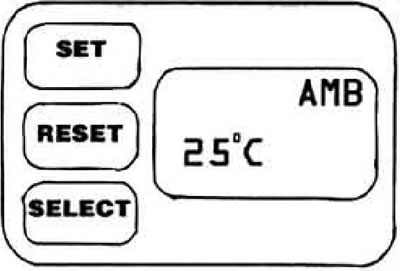
To switch the display to the temperature display mode, turn the ignition key to the ACC or ON position and press the SELECT button.