


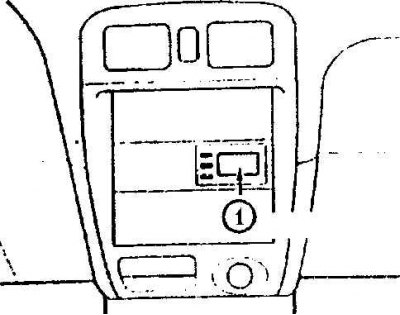
1. Outside temperature display
Without a flight computer
The outside temperature is displayed when the ignition switch is in the ACC (I) or ON (II) position.
With the flight computer
The outside temperature is displayed when the ignition key is in the ACC (I) position. When the ignition key is in the ON (II) position, press the SELECT button to change the display to the outside temperature mode.
Type A
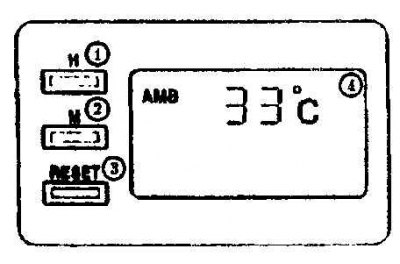
1. Watch
2. Minutes
3. Reset
4. Environment
Type B
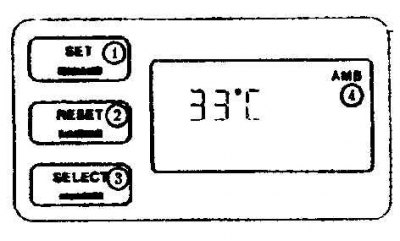
1. Install
2. Reset
3. Select
4. Environment
If the vehicle is equipped with automatic air conditioning, the outside temperature is shown on the air conditioning system display.
The displayed outside temperature may differ from the actual temperature depending on the surrounding conditions, driving conditions, etc.