


2. Remove the pulley nut and washer (photo).
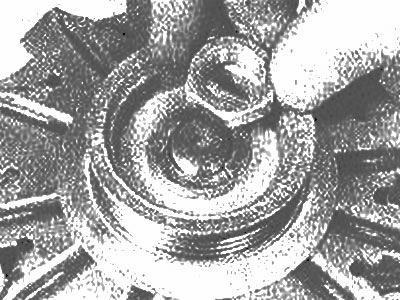
Removing the pulley nut and washer
3. Remove the pulley, fan, gasket, and concave washer (photo). Note the position of the concave washer.
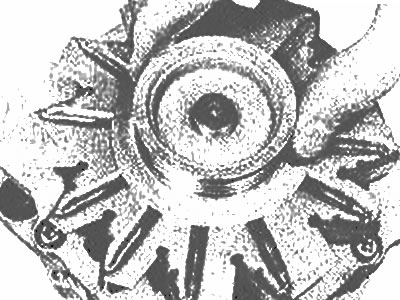
Remove the pulley... |
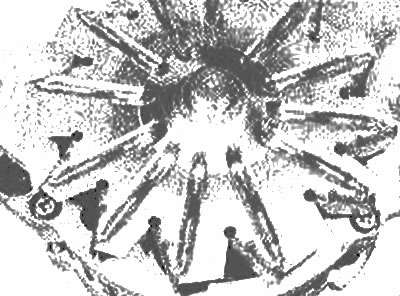
... fan... |
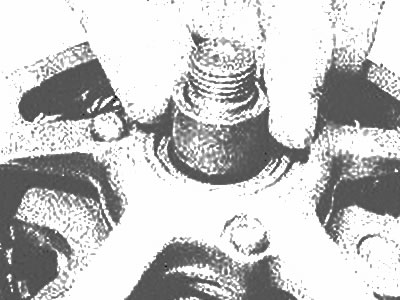
... gasket... |
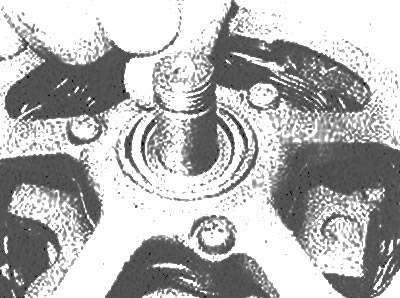
... and an outer concave washer |
4. Remove the three housing mounting screws (photo). Install the contact ring and bearing housing and remove the drive housing and rotor as described in previous chapter.
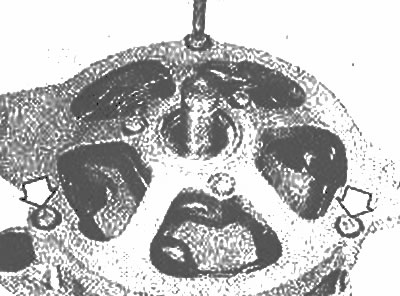
Remove the case mounting screw - the other two screws are marked with arrows
5. Knock the rotor off the bearing.
6. Remove the nut and washer from clamp "B." From inside the housing, unscrew the three screws that secure the voltage regulator brush mounting element. Remove the stator, etc. from the housing.
7. If tests are to be performed on the stator or rectifier, disconnect them. Note the location of the wires.
8. To replace the brush see Chapter 14.
[The article is copied from the website MazBook]
9. Connect a multimeter or 12-volt test light to the stator wires to check for continuity. There must be continuity between any pair. Replace the stator if it fails the test.
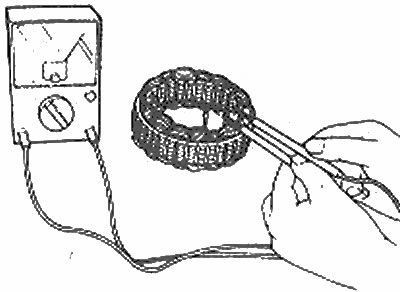
Checking the stator winding for continuity
10. Inspect the rotor for damage, paying particular attention to the generator rings (photo). Light carbon deposits can be removed with fine sandpaper, then wipe them with a soft cloth dampened with solvent. If there is serious damage, the rotor must be replaced.
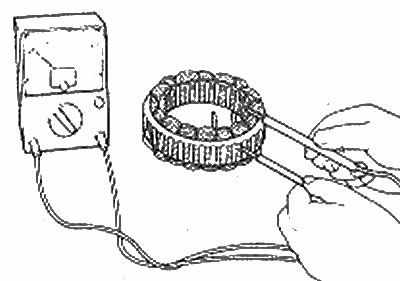
Checking the insulation between the stator windings and the layering |
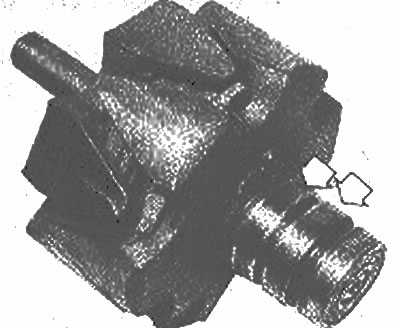
Check the generator rings (cancelled by arrows) for damage |
11. Use a multimeter or test light to check the continuity between the generator rings. Compare the rotor winding resistance with the data in Specifications. Also check the continuity between each slip ring and the rotor lamination. Replace the rotor if it fails these tests.
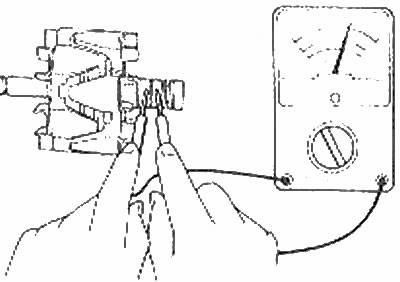
Measuring the rotor winding resistance
12. Check the rotor bearings. Replace them if they are damaged. Make sure the contact ring end bearing is installed correctly.
13. Using a multimeter or test lamp, check the pairs for continuity. If there is an interruption in the pair, replace the entire stator.
14. Solder the ends of the voltage regulator/brush stator and rectifier. Install the assembly on the body, secure the clamp "B" with screws and nut.
15. Raise and secure the brushes as described in the previous chapter. Ensure that the end bearing slip ring retainer is engaged, lubricate the bearing sliding groove, then heat the end bearing slip ring housing and install the rotor (photo).
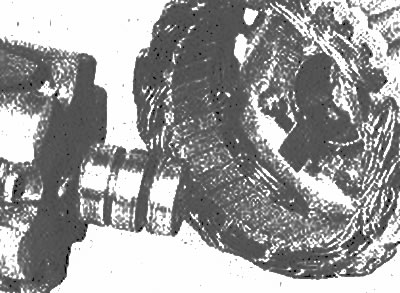
Installing the rotor
16. Place the concave washer on the rotor shaft, checking for proper installation (photo). Place the drive end housing over the rotor and press it into place. Install and tighten the three chassis screws.
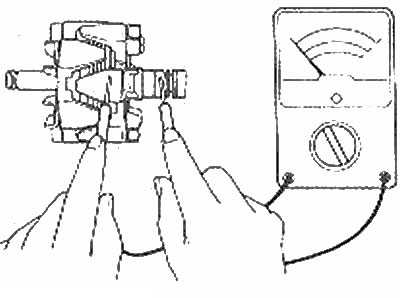
Checking the insulation between the rotor windings and the layering |
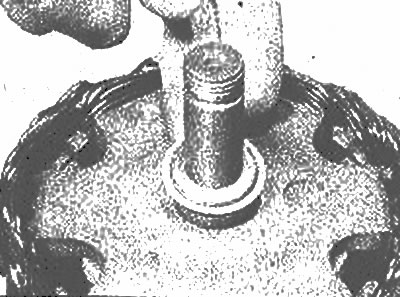
Correct installation of the inner concave washer |
17. Install another concave washer, gasket, fan and pulley. Clamp the pulley and install the washer and nut.
18. Release the brushes, then install the generator (Chapter 13).